What Actually Happens When You Type a URL? (The Non-Boring Version)
Ever wondered why a website loads in milliseconds? It's not magic—it's a high-speed game of telephone between your browser and a server halfway across the world.

The Magic Trick
You type google.com into your browser. You hit Enter. A fraction of a second later, the page is there.
It feels instant. It feels like the page was just sitting there waiting for you.
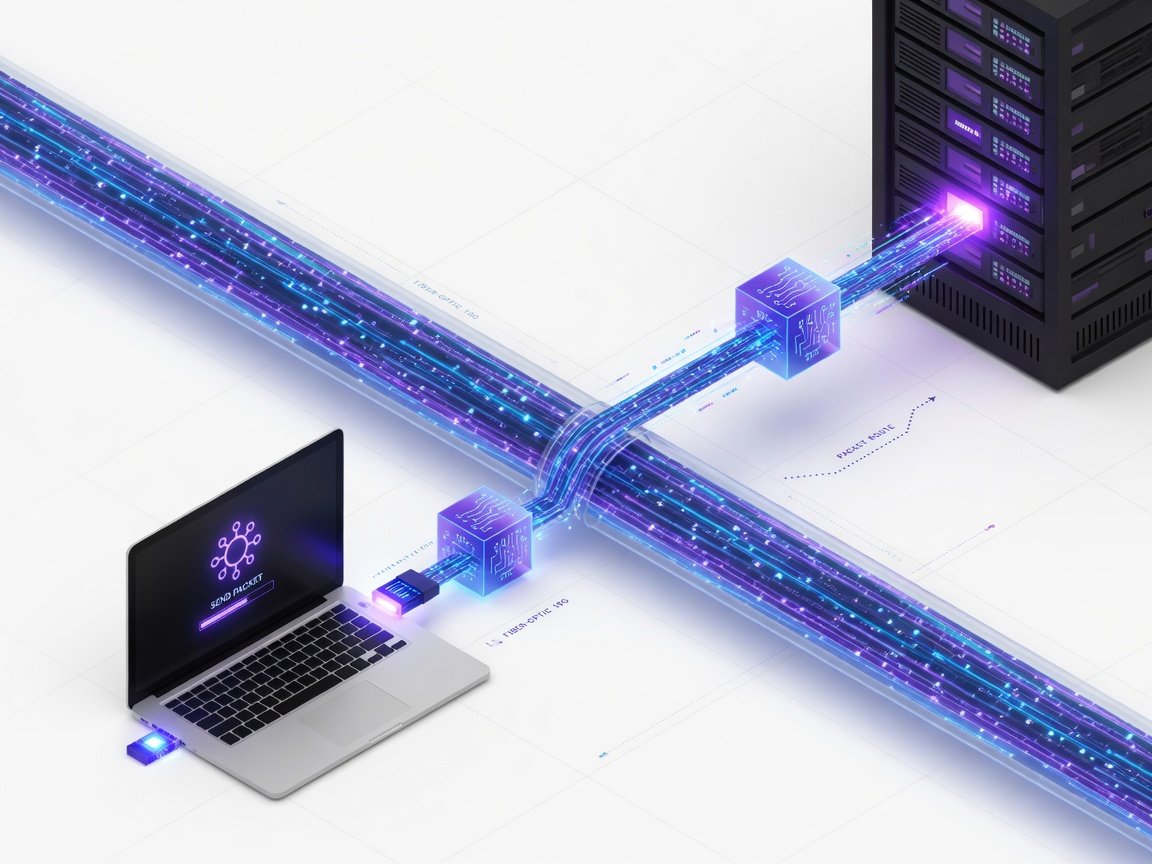
But in that tiny window of time, your computer just went on a global scavenger hunt. It talked to multiple servers, crossed oceans via fiber-optic cables, and solved a naming puzzle—all before you could even blink.
The Phonebook Problem (DNS)
Here is the first hurdle: Computers are terrible with names. They don't know what "google.com" is. They only understand numbers (IP addresses), like 142.250.190.46.
Imagine you want to call your friend Santosh. You don't memorize his phone number; you look up "Santosh" in your contacts list.
DNS (Domain Name System) is exactly that. It's the internet's contact list.
Your browser doesn't know the IP address, so it asks a DNS Resolver (usually provided by your internet company): "Hey, I have this name 'google.com'. Do you have the number?"
If the resolver doesn't know, it asks other servers in a chain until it finds the one that holds the official record. Once it gets that number, it hands it back to your browser.
Now your browser has the address. Now it can actually start the journey.
The Secret Handshake (TCP/TLS)
Now that your browser has the IP address, it doesn't just start shouting data at the server. That would be chaotic.
First, they need a connection. This is called the TCP Handshake.
It goes like this:
- Your Browser: "Hey, you there? I want to talk."
- The Server: "I'm here! I'm ready to talk."
- Your Browser: "Cool, here comes the request."
https in the URL, there is one more step: the TLS Handshake. This is where they agree on a secret code (encryption) so that if someone "listens in" on the cable between you, all they see is gibberish.
The Order (HTTP Request)
Now that the line is open and secure, your browser sends an HTTP Request.
Think of this like ordering food at a restaurant. You don't just walk into the kitchen and start cooking. You give the waiter a specific order.
Your browser says: "I would like the homepage (the / path) using the GET method. Also, I'm using Chrome on a Mac, just so you know."
The Kitchen (The Server)
The request hits the server. This is where the heavy lifting happens.
[ANECDOTE: I've spent years managing production systems where this 'kitchen' phase is the bottleneck. Sometimes the server is fast, but the database it has to talk to is slow, and the whole site feels 'stiff'.]
The server looks at your request and decides what to do. It might:
Once the server has everything, it wraps it up in an HTTP Response.
This response includes a status code. You've probably seen the famous 404 Not Found. That's just the server saying, "I heard your order, but we don't have that on the menu."
If everything is good, it sends a 200 OK along with a big pile of HTML, CSS, and JavaScript.
The Assembly (Rendering)
Your browser receives this pile of code. But HTML is just text. It looks like a messy grocery list.
Your browser's job is to render it.
It reads the HTML to build the structure (the skeleton). It reads the CSS to figure out the colors and layout (the skin). Finally, it runs the JavaScript to make things interactive (the muscles).
Summary: The Fast-Forward Version
To keep it simple, here is the loop:
All of this happens in milliseconds. The next time a page takes five seconds to load, you'll know exactly where the "telephone line" is breaking.
Reinforce these concepts
Practice with flashcards, test code in Web IDE, or take 60s speed drills on CodeShot.